
28 October 2026
Best external hard drive in the UAE: how to choose between a hard drive and an SSD.
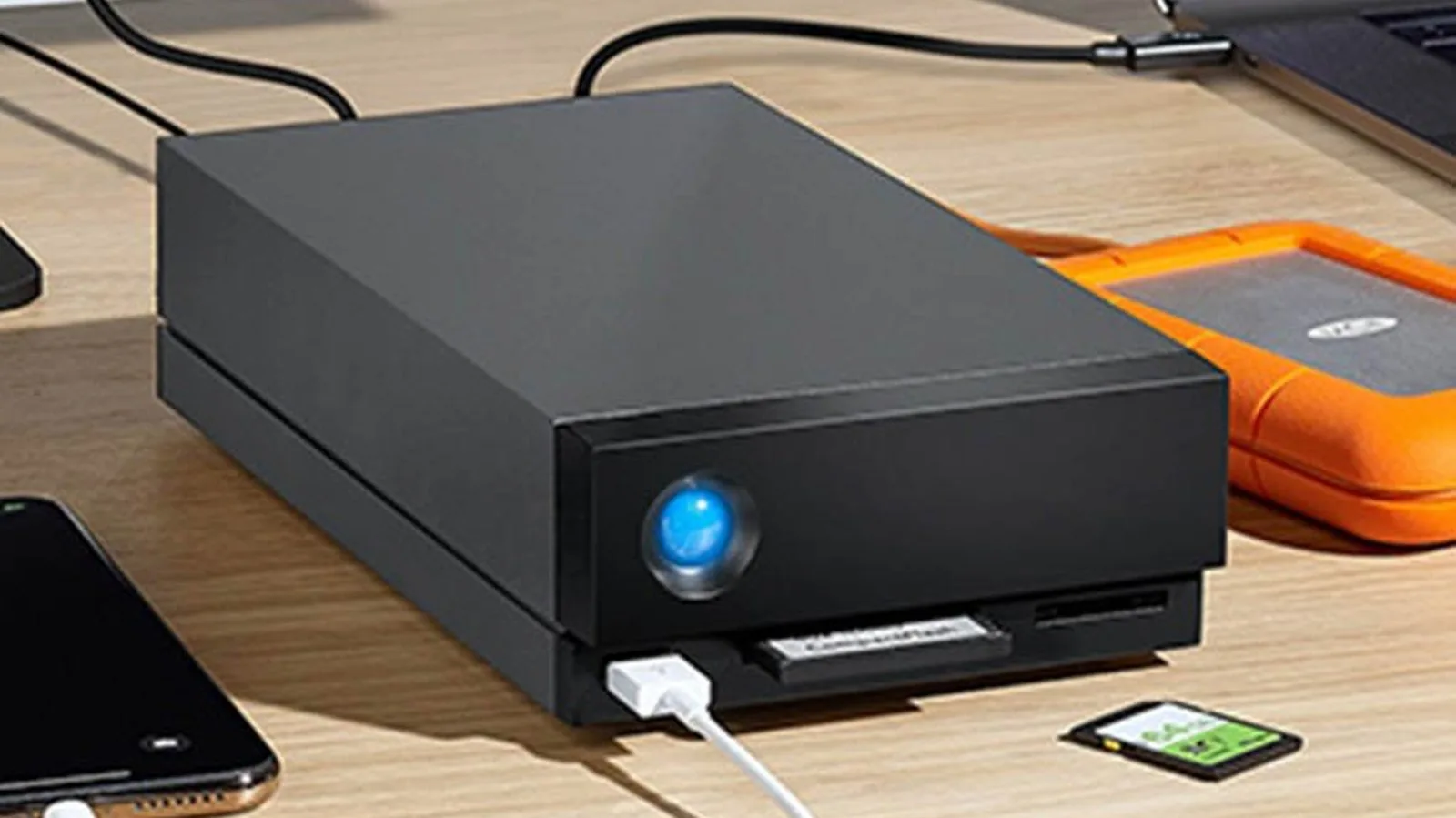
Short answer: for backups and for storing photos, videos and documents, a portable hard drive gives you the most space for the money: 2TB to 5TB at up to about 130MB/s, such as the LaCie Mobile Drive or LaCie Rugged USB-C. If you edit from the drive or move large files every day, choose an SSD, which is several times faster and has no moving parts. For travel and site work, choose a Rugged model, and for a desk full of video projects, a two-bay RAID such as the LaCie 2big Dock. Whichever you buy, keep a second copy: one drive is storage, not a backup.
"External hard drive" and "hard disk" are among the most searched technology products in the UAE, and the choice looks simpler than it is. Two drives with the same capacity can differ eightfold in speed, a "rugged" rating on one model does not carry over to its sister model, and a drive formatted for a Mac may not open on a Windows laptop. This guide explains the choices in plain terms and shows which LaCie drive fits which job, using the models we stock at EVO.
Hard drive or SSD: what is the difference?
A hard drive (HDD) stores data on spinning magnetic platters; a solid-state drive (SSD) stores it on flash memory with no moving parts. For an external drive, that changes four things.
| Portable hard drive (HDD) | Portable SSD | |
|---|---|---|
| Speed | Up to about 130MB/s | About 500MB/s to 1,050MB/s, depending on the model and the port |
| Capacity in a pocket-size drive | 1TB to 5TB | Usually 500GB to 4TB |
| Cost per terabyte | Lower | Higher |
| Knocks and drops | Moving parts: handle with care, or choose a Rugged model rated for drops while switched off | No moving parts, so better at taking knocks in a bag |
| Best for | Backups, photo and video archives, films, handing files to clients | Editing straight from the drive, fast transfers, a working drive for a laptop |
In practice: if the drive will mostly sit in a drawer holding copies, a hard drive is the better buy. If you will wait for it every day, an SSD pays for itself in time. One detail matters for SSDs: the port. A hard drive at 130MB/s uses about 1Gb/s, so any USB 3 port is fast enough, but an SSD rated at 1,050MB/s needs a 10Gb/s port (USB 3.2 Gen 2, USB4 or Thunderbolt) to reach its speed.
What size external hard drive do I need?
Add up what you want to store today and buy at least twice that, because photo and video libraries only grow. For a Mac backup drive, Apple recommends a drive with at least twice the storage capacity of the Mac. Video is what fills drives fastest: Apple's camera settings estimate about 400MB for one minute of iPhone video in 4K at 60 frames per second, so a 1TB drive holds roughly 40 hours of that footage.
| Capacity | Typically enough for |
|---|---|
| 1TB to 2TB | Backing up one laptop, documents and a phone's photo library |
| 4TB to 5TB | A family's photo and video archive, or a photographer's year of work |
| 16TB and more (desktop RAID) | Video projects, studios and anyone editing large footage at a desk |
Which LaCie drive is right for you?
These are the LaCie models available at EVO, with the figures LaCie publishes for each.
| LaCie model | Type | Speed and connection | Toughness | Best for |
|---|---|---|---|---|
| Mobile Drive (2TB) | Hard drive | USB-C, works with USB 3.0 computers | Diamond-cut design, no rugged rating | Everyday backups at home or in the office, Mac and Windows |
| Rugged USB-C (2TB, 4TB) | Hard drive | USB-C, up to 130MB/s | Drop-resistant to 1.2 m when not running, crush-resistant to 1 tonne, rain-resistant | Carrying footage and archives between site, studio and client |
| Rugged Mini (4TB) | Hard drive | USB 3.0, works with USB-C and Thunderbolt 3 computers | Drop-resistant to 1.2 m when not running, pressure-resistant to 1,000 kg, rain-resistant | A compact, tough backup drive at a lower price |
| Portable SSD (1TB) | SSD | USB-C, up to 540MB/s read and 500MB/s write | Drop-resistant to about 2 m | A fast working drive for photo libraries and lighter 4K editing |
| Rugged Thunderbolt USB-C SSD (1TB) | SSD | Built-in Thunderbolt cable plus USB-C, up to 510MB/s | IP54 dust and water resistance, 1.5 m drop, 1-tonne car | Fast transfers on location |
| 2big Dock (16TB to 48TB) | Two-bay desktop RAID | Thunderbolt 3, with two hot-swappable IronWolf Pro drives | Desktop unit | Studios: RAID 0 for speed or RAID 1 for a mirrored copy of every file |
LaCie's current range goes further, including the Rugged SSD (up to 1,050MB/s, rated IP67) and the eight-bay 8big Pro5 for Thunderbolt 5 workstations. PRO TECHnology compares all eight current models on its LaCie storage page, and supplies any of them on quotation.
What does "rugged" really mean?
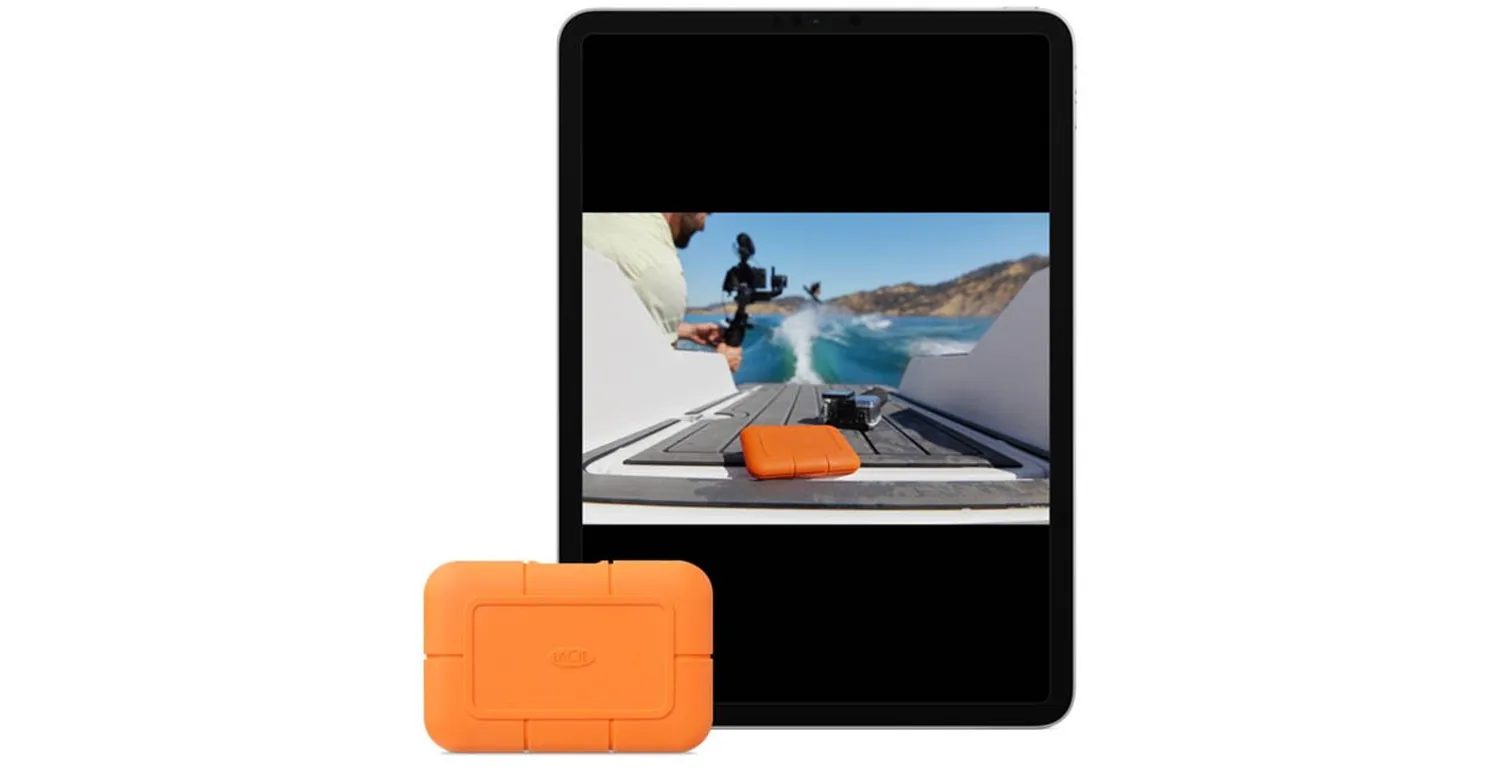
LaCie's Rugged family, with its orange rubber bumper designed by Neil Poulton, has been carried by filmmakers, photographers and music producers since 2005. But the ratings are per model, not per family, so read them carefully:
- Drop ratings on hard drives apply when the drive is not running ("non-operating"). Do not move a spinning hard drive.
- Rain-resistant is not waterproof. The Rugged USB-C and Rugged Mini hard drives resist rain but carry no IP rating.
- IP ratings tell you how well a drive keeps out dust and water: the Rugged Thunderbolt USB-C SSD is rated IP54, while LaCie's current Rugged SSD is rated IP67.
PRO TECHnology's guide to the LaCie Rugged USB-C explains each rating in detail.
Will it work with my Mac, Windows PC or iPad?
- Mac and Windows: LaCie drives work with both. To use one drive on both, format it as exFAT, which Apple's Disk Utility describes as compatible with Windows. For a Mac-only drive, use APFS, the Mac's standard format.
- Mac backups: Time Machine backs up a Mac to an external USB or Thunderbolt drive. Apple recommends using the Time Machine disk only for backups, or adding a separate APFS volume for other files.
- Windows backups: Windows' built-in File History copies your files to an external drive automatically. LaCie drives also come with LaCie Toolkit for one-click and scheduled backups.
- iPad and USB-C phones: an iPad with a USB-C port can open files on an external drive in the Files app; an SSD makes that much quicker.
One drive is not a backup
An external drive can fail, be dropped, be stolen or be wiped by ransomware along with the computer it is plugged into. The safest habit is the 3-2-1 rule: three copies of anything important, on two kinds of storage, with one kept somewhere else. Our guide to backing up photos and files with the 3-2-1 rule shows how to set it up at home and in a small office. If the drive will carry confidential client, patient or company files, choose hardware encryption, such as the Kanguru Defender HDD or Defender SSD, which protect the data even if the drive is lost.
Why LaCie?
- Built for creative work. LaCie is Seagate's storage brand for creative professionals, with drives designed for photographers, filmmakers and studios rather than as an afterthought to a laptop range.
- A model for every stage. From pocket hard drives and SSDs to two-bay and eight-bay RAID, so a workflow can grow without changing brands.
- A local distributor. PRO TECHnology, the Dubai company behind EVO, has distributed LaCie in the Middle East since 2006, and EVO delivers across the UAE. Read more in PRO TECHnology's LaCie partnership profile.
For photographers, video editors and studios
Professional workflows have their own questions: which RAID level, how much speed a codec needs, how to back up on set. PRO TECHnology answers them in its video editing and photo storage guide, its guides to the LaCie 2big Dock and the LaCie 8big Pro5, and its data backup and disaster recovery service for companies. For a studio's long-term archive, see Disk Archive ALTO.
Frequently asked questions
What is the best external hard drive to buy in the UAE?
For most people, a 2TB to 5TB portable hard drive such as the LaCie Mobile Drive or LaCie Rugged USB-C, for backups and archives. Choose an SSD such as the LaCie Portable SSD if you need speed, and a Rugged model if the drive travels.
Is an SSD better than an external hard drive?
An SSD is faster and better at taking knocks, so it suits editing and daily transfers. A hard drive costs less per terabyte and comes in larger sizes, so it suits backups and archives.
What size external hard drive do I need?
At least twice the data you have today. For a Mac's Time Machine backups, Apple recommends a drive with at least twice the storage capacity of the Mac.
Do LaCie drives work with both Mac and Windows?
Yes. Format the drive as exFAT to use it on both; use APFS for a drive that only connects to Macs.
Is the LaCie Rugged waterproof?
Not all of them. The Rugged USB-C and Rugged Mini hard drives are rain-resistant only, the Rugged Thunderbolt USB-C SSD is rated IP54, and LaCie's current Rugged SSD is rated IP67.
How fast is a LaCie external hard drive?
LaCie's portable hard drives run at up to about 130MB/s. Its portable SSDs run at about 500MB/s to 1,050MB/s depending on the model, and need a 10Gb/s port to reach their fastest speeds.
Where can I buy LaCie drives in the UAE?
At EVO, the online store of PRO TECHnology in Dubai, which has distributed LaCie in the Middle East since 2006, with delivery across the UAE. Companies can request a quotation from PRO TECHnology.
Sources
- LaCie product specifications as listed for each model at EVO, and Seagate data sheets for the current LaCie range as summarised by PRO TECHnology (checked 25 September 2026)
- Apple, Back up your Mac with Time Machine
- Apple, File system formats available in Disk Utility on Mac
- Apple iPhone camera settings (Settings, Camera, Record Video): storage estimate for 4K video at 60 fps
- US Cybersecurity and Infrastructure Security Agency (CISA), Data Backup Options
EVO is the online store of PRO TECHnology, which has distributed LaCie in the Middle East since 2006 and is Kanguru's distributor and partner for the Middle East. Speeds are the manufacturers' published maximums; real speeds depend on the computer, port and file sizes.