
28 October 2026
How to back up your photos and files: the 3-2-1 rule for UAE homes, creators and small offices.
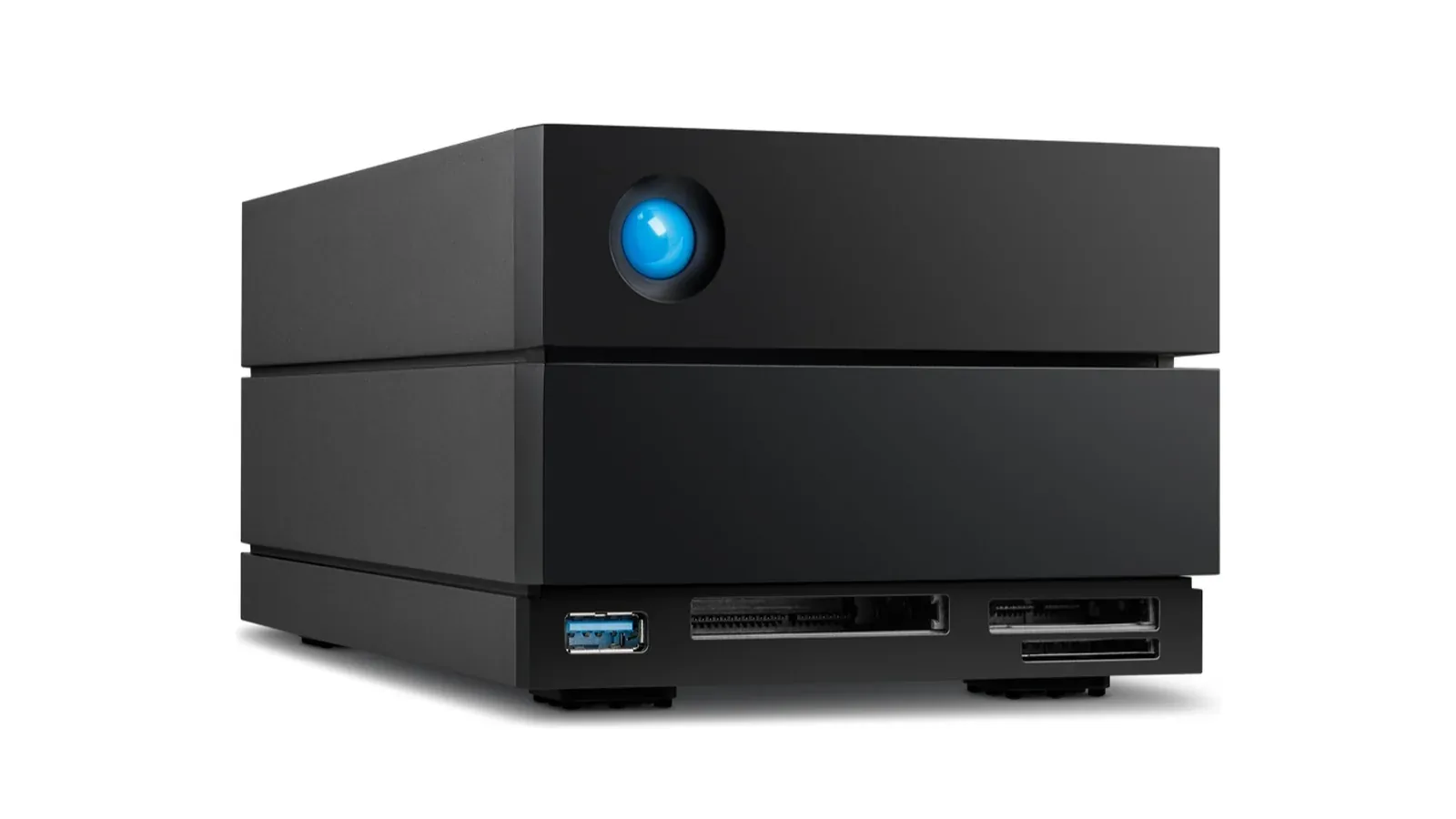
Short answer: follow the 3-2-1 rule. Keep three copies of anything important (the original and two backups), on two different kinds of storage, with one copy kept away from your home or office. For most homes that means the files on your computer or phone, an automatic backup to an external drive such as a LaCie Rugged, and a cloud copy or a second drive kept somewhere else. A RAID or NAS on its own is not a backup.
Phones and laptops make it easy to collect years of photos, videos and work files, and just as easy to lose them: a dropped phone, a stolen laptop, a failed drive or a ransomware attack can take everything in one go. The good news is that a reliable backup takes one afternoon to set up and then runs by itself. This guide explains the rule professionals use, how to apply it at home, as a photographer or video creator and in a small office, and what NAS, DAS and RAID actually mean.
What is the 3-2-1 backup rule?
The US Cybersecurity and Infrastructure Security Agency (CISA) recommends the 3-2-1 rule in its guide to data backup options:
- 3 copies of any important file: one primary and two backups.
- 2 different media types, so one kind of failure cannot destroy every copy: for example an internal drive and an external drive, or a drive and the cloud.
- 1 copy offsite, outside your home or business, so a fire, flood or theft does not take all three.
The rule comes from photographer Peter Krogh's The DAM Book, a guide to managing digital photo libraries, which is why it fits photos and video so well.
A 3-2-1 backup at home
| Copy | Where it lives | How it gets there |
|---|---|---|
| 1. The original | Your computer or phone | Where you work every day |
| 2. Local backup | An external hard drive at home, such as a LaCie Mobile Drive | Automatic: Time Machine on a Mac, File History on Windows, or LaCie Toolkit |
| 3. Offsite copy | A cloud service, or a second drive kept at the office or with family | Cloud sync, or swap the second drive every week or month |
On a Mac, Time Machine does the work. Apple's guidance is to use a drive with at least twice the storage capacity of the Mac; Time Machine then makes hourly backups for the past 24 hours, daily backups for the past month and weekly backups for every earlier month, and deletes the oldest backups when the drive is full. On Windows, File History copies your files to an external drive on a schedule. For phone photos, copy them to the computer or a cloud library first, so they are included in the backups above.
Not sure which drive to buy? Our guide to choosing an external hard drive or SSD compares the options.
A 3-2-1 backup for photographers and video creators
Cameras add a step that phones do not: the memory card is the only copy until you offload it. A simple professional routine:
- On location, copy each card to two separate drives before you format it, for example two LaCie Rugged drives carried in different bags.
- At the desk, move the project to working storage such as a LaCie 2big Dock, which can run RAID 1 so every file is written to both of its drives.
- Offsite, keep a third copy on a drive stored elsewhere or in the cloud, and only then reuse the cards.
PRO TECHnology's video editing and photo storage guide covers RAID levels, codecs and on-set backup in depth.
NAS, DAS and RAID: what is the difference?
| Term | What it is | Example |
|---|---|---|
| DAS (direct-attached storage) | Storage plugged into one computer by USB or Thunderbolt | LaCie Rugged, Mobile Drive, 2big Dock, 8big Pro5 |
| NAS (network-attached storage) | A storage box on your network that several people and devices reach over Wi-Fi or Ethernet | A shared office file server |
| RAID | Several drives working as one, either for speed (RAID 0) or to keep a mirrored copy (RAID 1); larger units add RAID 5 and 6 | The two drives inside a LaCie 2big Dock |
A DAS is simpler and usually faster for one person at one desk; a NAS suits teams that share files. LaCie's 2big and 8big units are DAS, not NAS: they connect to one computer at a time.
Is RAID a backup?
No. RAID 1 protects you if one drive fails, but a deleted file, a ransomware attack, a fire or a theft affects both drives at once. Treat a RAID or NAS as one copy in your 3-2-1 plan, and keep the other copies elsewhere.
A 3-2-1 backup for a small office
Businesses add three concerns: confidentiality, recovery time and proof that backups work.
- Encrypt anything that leaves the office. A backup drive in a car or a bag is a data breach waiting to happen. Hardware-encrypted drives such as the Kanguru Defender HDD and Defender SSD encrypt everything on the drive itself and ask for a password before any file can be read; PRO TECHnology compares self-encrypting drives and BitLocker and explains the Kanguru Defender HDD350 backup drive.
- Plan how fast you need to recover. PRO TECHnology's data backup and disaster recovery service designs backups around how long the business can afford to be down.
- Use the cloud for the offsite copy. Team cloud storage such as Dropbox for business keeps a copy outside the building.
- Archive what you must keep for years. Media libraries and records that rarely change belong in an archive, such as Disk Archive ALTO, rather than on working drives.
- Wipe old drives properly. When a drive is retired, secure data erasure stops old backups from leaking.
Check that your backup works
A backup you have never restored is a hope, not a plan. Once a month, open your backup and restore one file to a different folder. Watch for warnings from Time Machine or File History that the last backup failed, and add a new drive when the old one is nearly full, because Time Machine starts deleting the oldest backups when space runs out.
Frequently asked questions
What is the 3-2-1 backup rule?
Keep three copies of important files, the original and two backups, on two different types of storage, with one copy kept offsite. It is the rule CISA recommends for personal and business data.
Is RAID a backup?
No. RAID protects against one drive failing, but deletions, ransomware, fire and theft affect every drive in the RAID at once, so you still need separate backup copies.
Should I back up to a NAS or an external hard drive?
An external hard drive is simpler and cheaper for one computer; a NAS suits a household or team that shares files over the network. Either one is only one copy, so add an offsite copy.
How do I back up my Mac?
Connect an external drive with at least twice your Mac's storage and turn on Time Machine. It backs up hourly and keeps daily and weekly backups until the drive is full.
How do I back up photos from my phone?
Copy them to your computer or a cloud photo library, then make sure that computer or library is backed up to an external drive and to a second, offsite copy.
Should I encrypt my backup drive?
Yes, if it holds client, patient or company data, or if it leaves the building. A hardware-encrypted drive such as the Kanguru Defender keeps the data locked even if the drive is lost or stolen.
How big should my backup drive be?
At least twice the data you are backing up, so there is room for older versions. Apple recommends twice the Mac's storage capacity for Time Machine.
Sources
- US Cybersecurity and Infrastructure Security Agency (CISA), Data Backup Options, citing Peter Krogh, The DAM Book: Digital Asset Management for Photographers
- Apple, Back up your Mac with Time Machine
- LaCie and Kanguru product specifications as listed at EVO; LaCie range as summarised by PRO TECHnology
EVO is the online store of PRO TECHnology, which has distributed LaCie in the Middle East since 2006 and is Kanguru's distributor and partner for the Middle East.